
You can enable or disable Git LFS for your entire appliance.
As a site admin, sign in to your GitHub Enterprise instance at
http(s)://[hostname]/login.In the upper-right corner of any page, click .
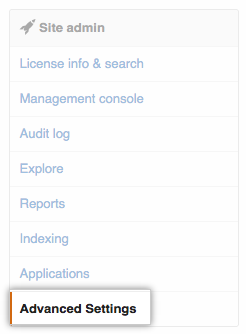
In the left sidebar, click Advanced Settings.
In the Key field, type
git-lfs.
- In the Value field, determine whether Git LFS is enabled for your GitHub Enterprise instance.
- To enable it, type
true. - To disable it, type
false.
- To enable it, type
