Viewing dependencies monitored by Dependabot
After you've enabled version updates, you can confirm that your configuration is correct using the Dependabot tab in the dependency graph for the repository. For more information, see Configuring Dependabot version updates.
-
Navigieren Sie auf GitHub zur Hauptseite des Repositorys.
-
Klicke unter dem Repositorynamen auf Insights.

-
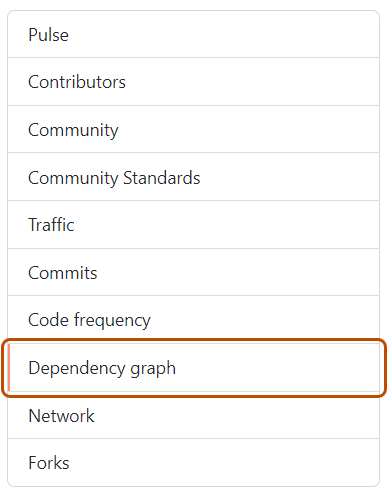
Klicke auf der linken Randleiste auf Abhängigkeitsdiagramm.
-
Klicke unter „Abhängigkeitsdiagramm“ auf Dependabot .
-
Optionally, to view the files monitored for a package manager, to the right of the package manager, click .



If any dependencies are missing, check the log files for errors. If any package managers are missing, review the configuration file.
For information about Dependabot job logs, see Anzeigen von Dependabot-Auftragsprotokollen.