Remarque
Cet article s’applique à la modification des avis au niveau du dépôt par un propriétaire dedépôt public.
Les utilisateurs qui ne sont pas propriétaires de dépôt peuvent contribuer aux avis de sécurité généraux dans la GitHub Advisory Database sur github.com/advisories. Les modifications des avis globaux ne changent pas ou n’affectent pas la façon dont l’avis apparaît sur le dépôt. Pour plus d’informations, consultez « Editing security advisories in the GitHub Advisory Database ».
Prerequisites
Before you can publish a security advisory or request a CVE identification number, you must create a draft security advisory and provide information about the versions of your project affected by the security vulnerability. For more information, see Creating a repository security advisory.
If you've created a security advisory but haven't yet provided details about the versions of your project that the security vulnerability affects, you can edit the security advisory. For more information, see Editing a repository security advisory.
About publishing a security advisory
When you publish a security advisory, you notify your community about the security vulnerability that the security advisory addresses. Publishing a security advisory makes it easier for your community to update package dependencies and research the impact of the security vulnerability.
Vous pouvez également utiliser des avis de sécurité des référentiels pour republier les détails d’une vulnérabilité de sécurité que vous avez déjà divulguée à un autre emplacement en effectuant un copier-coller des détails de la vulnérabilité dans un nouvel avis de sécurité.
Before you publish a security advisory, you can privately collaborate to fix the vulnerability in a temporary private fork. For more information, see Collaborating in a temporary private fork to resolve a repository security vulnerability.
Avertissement
Whenever possible, you should always add a fix version to a security advisory prior to publishing the advisory. If you don't, the advisory will be published without a fixed version, and Dependabot will alert your users about the issue, without offering any safe version to update to.
We recommend you take the following steps in these different situations:
- If a fix version is imminently available, and you are able to, wait to disclose the issue when the fix is ready.
- If a fix version is in development but not yet available, mention this in the advisory, and edit the advisory later, after publication.
- If you are not planning to fix the issue, be clear about it in the advisory so that your users don't contact you to ask when a fix will be made. In this case, it is helpful to include steps users can take to mitigate the issue.
When you publish a draft advisory from a public repository, everyone is able to see:
- The current version of the advisory data.
- Any advisory credits that the credited users have accepted.
Remarque
The general public will never have access to the edit history of the advisory, and will only see the published version.
After you publish a security advisory, the URL for the security advisory will remain the same as before you published the security advisory. Anyone with read access to the repository can see the security advisory. Collaborators on the security advisory can continue to view past conversations, including the full comment stream, in the security advisory unless someone with admin permissions removes the collaborator from the security advisory.
If you need to update or correct information in a security advisory that you've published, you can edit the security advisory. For more information, see Editing a repository security advisory.
Publishing a security advisory
Publishing a security advisory deletes the temporary private fork for the security advisory.
-
Sur GitHub, accédez à la page principale du référentiel.
-
Sous le nom du référentiel, cliquez sur Sécurité. Si vous ne voyez pas l’onglet « Sécurité », sélectionnez le menu déroulant et cliquez sur Sécurité.

-
Dans la barre latérale gauche, sous « Rapports », cliquez sur Avis.
-
In the "Security Advisories" list, click the name of the security advisory you'd like to publish.
-
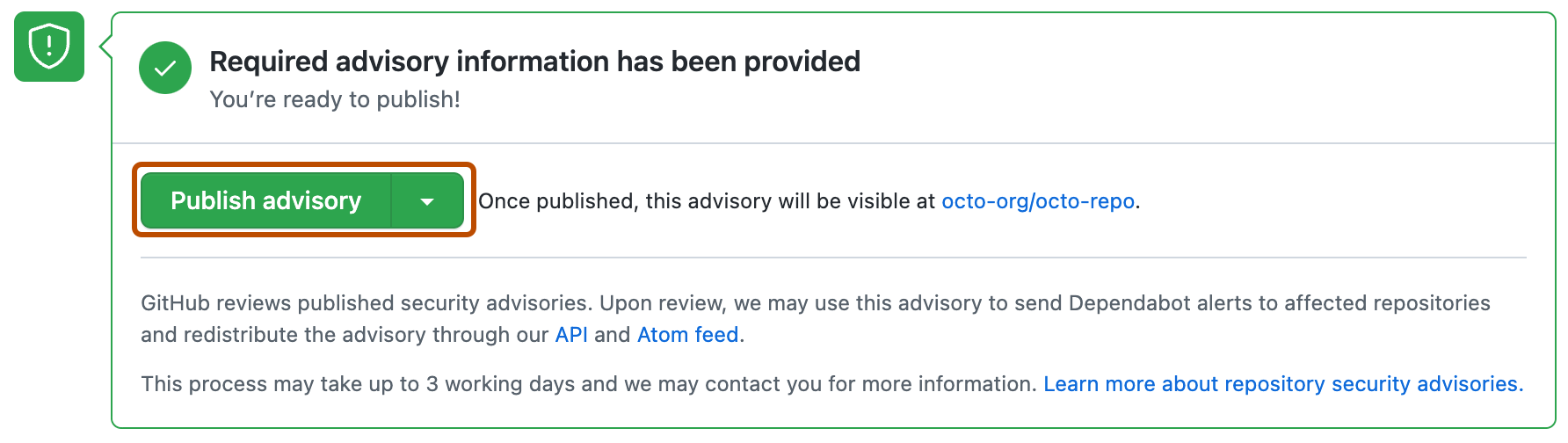
Scroll to the bottom of the advisory form and click Publish advisory.


Remarque
If you selected "Request CVE ID later", you will see a Request CVE button in place of the Publish advisory button. For more information, see Requesting a CVE identification number (Optional) below.
Dependabot alerts for published security advisories
GitHub examinera chaque avis de sécurité publié, l’ajoutera à la GitHub Advisory Database et pourra utiliser l’avis de sécurité pour envoyer des Dependabot alerts aux référentiels concernés. Si l’avis de sécurité provient d’une duplication, nous n’enverrons une alerte que si la duplication possède un package, publié sous un nom unique, sur un registre de packages public. Ce processus peut prendre jusqu’à 72 heures et GitHub peut vous contacter pour vous demander plus d’informations.
Pour plus d’informations sur Dependabot alerts, consultez À propos des alertes Dependabot et À propos des mises à jour de sécurité Dependabot. Pour plus d’informations sur la GitHub Advisory Database, consultez Browsing security advisories in the GitHub Advisory Database.
Requesting a CVE identification number (Optional)
Si vous n’avez pas encore de numéro d’identification CVE pour la faille de sécurité de votre projet et que vous souhaitez en obtenir un, vous pouvez effectuer une demande auprès de GitHub. GitHub examine généralement les demandes dans les 72 heures. Une demande de numéro d’identification CVE ne rend pas votre avis de sécurité public. Si votre avis de sécurité est éligible, GitHub lui réserve un numéro d’identification CVE. Nous publierons ensuite les détails CVE une fois que vous aurez rendu public votre avis de sécurité. Toute personne disposant d’autorisations d’administrateur pour un avis de sécurité peut effectuer une demande de numéro d’identification CVE.
Si vous avez déjà un numéro d’identification CVE que vous souhaitez utiliser, par exemple si vous utilisez une autorité de numérotation CVE (CNA) autre que GitHub, ajoutez-le au formulaire d’avis de sécurité. Cela peut se produire, par exemple, si vous souhaitez que l’avis soit cohérent avec d’autres communications que vous prévoyez d’envoyer au moment de la publication. GitHub ne peut pas attribuer de numéro d’identification CVE à votre projet s’il est couvert par une autre CNA. For more information, see À propos des avis de sécurité des référentiels.
-
Sur GitHub, accédez à la page principale du référentiel.
-
Sous le nom du référentiel, cliquez sur Sécurité. Si vous ne voyez pas l’onglet « Sécurité », sélectionnez le menu déroulant et cliquez sur Sécurité.
-
Dans la barre latérale gauche, sous « Rapports », cliquez sur Avis.
-
In the "Security Advisories" list, click the name of the security advisory you'd like to request a CVE identification number for.
-
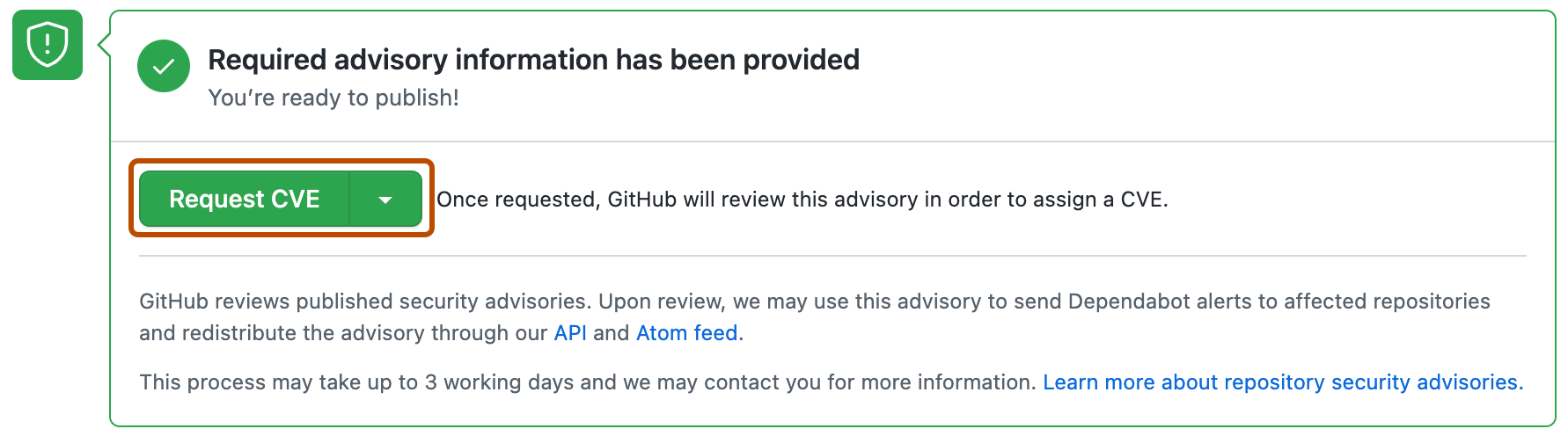
Scroll to the bottom of the advisory form and click Request CVE.