Confirm whether GitHub Code Security is enabled
-
GitHub で、リポジトリのメイン ページに移動します。
-
リポジトリ名の下にある [Settings] をクリックします。 [設定] タブが表示されない場合は、 [] ドロップダウン メニューを選び、 [設定] をクリックします。
![タブを示すリポジトリ ヘッダーのスクリーンショット。 [設定] タブが濃いオレンジ色の枠線で強調表示されています。](/assets/cb-28260/images/help/repository/repo-actions-settings.png)
-
サイドバーの [Security] セクションで、[ Advanced Security] をクリックします。
-
On the settings page, scroll down to "Code Security."
-
If there is an associated and active Enable button, Code Security is available for this repository but not yet enabled.
-
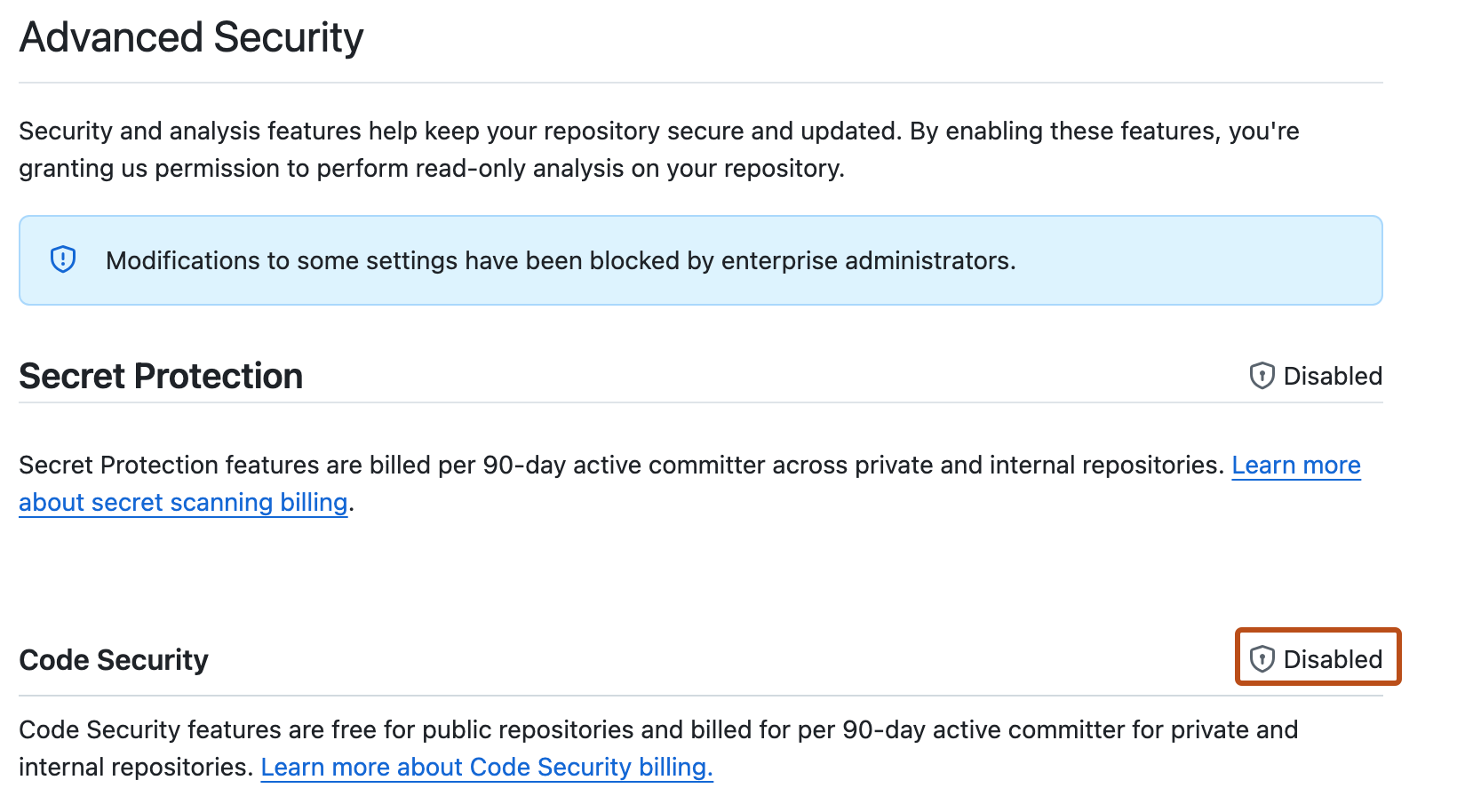
If use of GitHub Code Security is blocked by a policy, " Disabled" is shown in place of the Enable button.
![タブを示すリポジトリ ヘッダーのスクリーンショット。 [設定] タブが濃いオレンジ色の枠線で強調表示されています。](/assets/cb-28260/mw-1440/images/help/repository/repo-actions-settings.webp)

Requesting access to GitHub Code Security
- In the "Code Security" settings, click the enterprise or organization name to display a list of users with access to edit the policy that controls access to GitHub Code Security. For more information, see エンタープライズのコード セキュリティと分析のためのポリシーの適用.
- Follow your company's policy for requesting access to additional features.
Enabling GitHub Code Security
- Open the "Code security" settings page.
- Next to the "Code Security" feature, click Enable.
- Rerun code scanning.