-
In the top-right corner of GitHub, click your profile picture.
-
Depending on your environment, click Enterprise, or click Enterprises then click the enterprise you want to view.
-
At the top of the page, click Billing and licensing.
-
In the "Billing and licensing" sidebar, click Licensing.
-
In the "Copilot" section, click Manage.
-
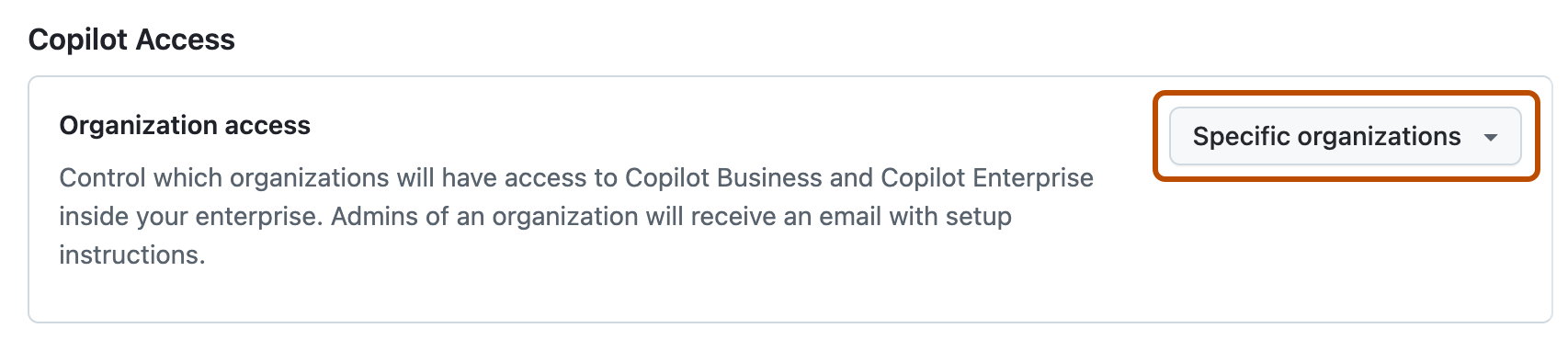
Next to "Organization access", choose whether to disable Copilot for all organizations or allow for specific organizations.
-
If you selected Allow for specific organizations:
- Click the Organizations tab.
- Locate the organization for which you want to disable Copilot.
- To the right of the organization name, select the Copilot dropdown menu.
- If your enterprise has a Copilot Business plan, click Disabled.
- If your enterprise has a Copilot Enterprise plan, click Remove access.
Deaktivieren von Copilot für Organisationen im eigenen Unternehmen
Sie können GitHub Copilot für einige oder alle Organisationen in Ihrem Unternehmen deaktivieren.
