Nota:
Este artículo se aplica a la edición de avisos de nivel de repositorio como propietario de un repositorio público.
Los usuarios que no sean propietarios de repositorios pueden contribuir a los avisos de seguridad globales en GitHub Advisory Database en github.com/advisories. Las ediciones a las asesorías globales no cambiarán ni afectarán la forma en la que se muestra la asesoría en el repositorio. Para más información, consulta Editing security advisories in the GitHub Advisory Database.
Prerequisites
Before you can publish a security advisory or request a CVE identification number, you must create a draft security advisory and provide information about the versions of your project affected by the security vulnerability. For more information, see Creating a repository security advisory.
If you've created a security advisory but haven't yet provided details about the versions of your project that the security vulnerability affects, you can edit the security advisory. For more information, see Editing a repository security advisory.
About publishing a security advisory
When you publish a security advisory, you notify your community about the security vulnerability that the security advisory addresses. Publishing a security advisory makes it easier for your community to update package dependencies and research the impact of the security vulnerability.
También puedes utilizar asesorías de seguridad de repositorio para volver a publicar los detalles de una vulnerabilidad de seguridad que ya has divulgado en otro lugar si copias y pegas los detalles de la vulnerabilidad en una asesoría de seguridad nueva.
Before you publish a security advisory, you can privately collaborate to fix the vulnerability in a temporary private fork. For more information, see Collaborating in a temporary private fork to resolve a repository security vulnerability.
Advertencia
Whenever possible, you should always add a fix version to a security advisory prior to publishing the advisory. If you don't, the advisory will be published without a fixed version, and Dependabot will alert your users about the issue, without offering any safe version to update to.
We recommend you take the following steps in these different situations:
- If a fix version is imminently available, and you are able to, wait to disclose the issue when the fix is ready.
- If a fix version is in development but not yet available, mention this in the advisory, and edit the advisory later, after publication.
- If you are not planning to fix the issue, be clear about it in the advisory so that your users don't contact you to ask when a fix will be made. In this case, it is helpful to include steps users can take to mitigate the issue.
When you publish a draft advisory from a public repository, everyone is able to see:
- The current version of the advisory data.
- Any advisory credits that the credited users have accepted.
Nota:
The general public will never have access to the edit history of the advisory, and will only see the published version.
After you publish a security advisory, the URL for the security advisory will remain the same as before you published the security advisory. Anyone with read access to the repository can see the security advisory. Collaborators on the security advisory can continue to view past conversations, including the full comment stream, in the security advisory unless someone with admin permissions removes the collaborator from the security advisory.
If you need to update or correct information in a security advisory that you've published, you can edit the security advisory. For more information, see Editing a repository security advisory.
Publishing a security advisory
Publishing a security advisory deletes the temporary private fork for the security advisory.
-
En GitHub, navegue hasta la página principal del repositorio.
-
Debajo del nombre del repositorio, haz clic en Security. Si no puedes ver la pestaña "Security", selecciona el menú desplegable y, después, haz clic en Security.

-
En la barra lateral de la izquierda, en "Reporting", haz clic en Advisories.
-
In the "Security Advisories" list, click the name of the security advisory you'd like to publish.
-
Scroll to the bottom of the advisory form and click Publish advisory.

Nota:
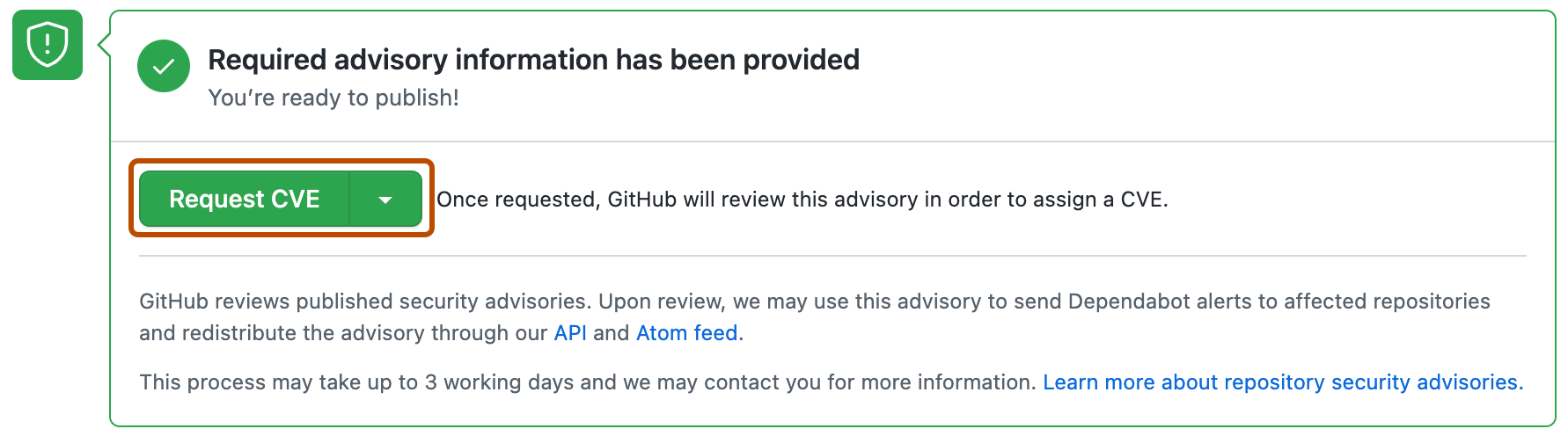
If you selected "Request CVE ID later", you will see a Request CVE button in place of the Publish advisory button. For more information, see Requesting a CVE identification number (Optional) below.
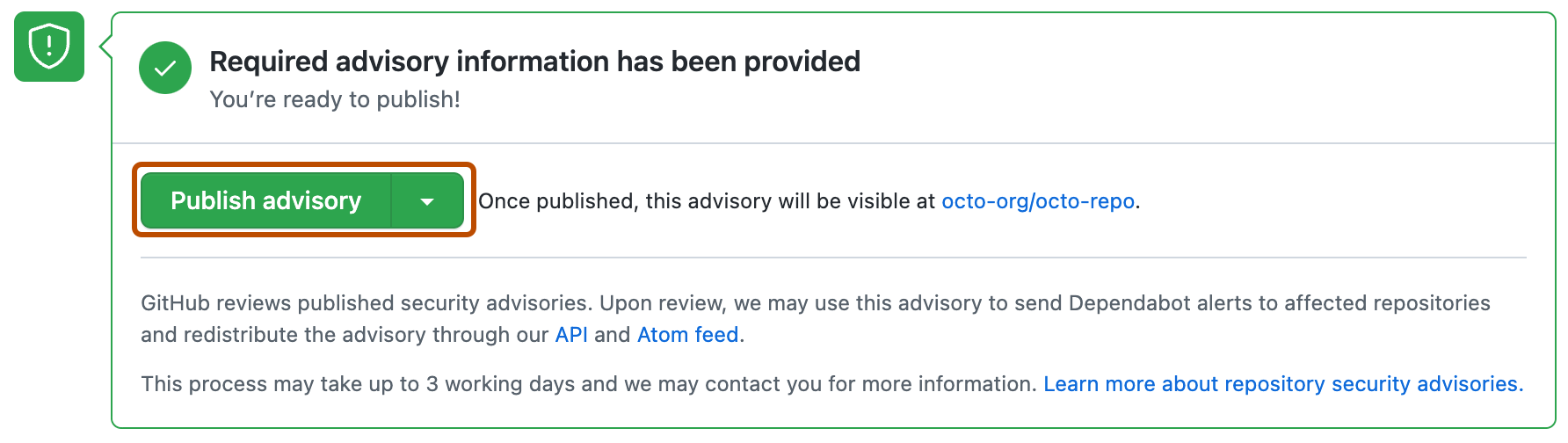
Dependabot alerts for published security advisories
GitHub revisará cada asesoría de seguridad que se haya publicado, la agregará a la GitHub Advisory Database, y podría utilzar esta asesoría de seguridad para enviar Dependabot alerts a los repositorios que se vean afectados. Si la asesoría de seguridad viene de una bifurcación, únicamente enviaremos una alerta si ésta tiene un paquete que se publique con un nombre único y esté en un registro de paquetes público. Este proceso puede tomar hasta 72 horas y GitHub podría contactarte para obtener más información.
Para más información sobre Dependabot alerts, consulta Acerca de las alertas Dependabot y Sobre las actualizaciones de seguridad de Dependabot. Para más información sobre GitHub Advisory Database, consulta Browsing security advisories in the GitHub Advisory Database.
Requesting a CVE identification number (Optional)
Si quieres un número de identificación CVE para la vulnerabilidad de seguridad en tu proyecto y aún no tienes uno, puedes solicitarlo de GitHub. GitHub habitualmente revisa la solicitud dentro de las primeras 72 horas de su recepción. El solicitar un número de identificación de CVE no convierte tu asesoría de seguridad en pública. Si tu asesoría de seguridad es elegible para un CVE, GitHub reservará un número de identificación de CVE para ésta. Entonces publicaremos los detalles de CVE después de que hayas hecho pública tu asesoría de seguridad. Cualquiera con permisos de administrador en una asesoría de seguridad puede solicitar un número de identificación de CVE.
Si ya tienes un CVE que quieres utilizar, por ejemplo, si utilizas una Autoridad de Numeración de CVE (CNA) diferente a la de GitHub, agrega el CVE al formato de asesoría de seguridad. Esto podría pasar, por ejemplo, si quiers que la asesoría sea consistente con otras comnicaciones que planees enviar al momento de la publicación. GitHub no pude asignar un CVE a tu proyecto si se cubre con otro CNA. For more information, see Acerca de las asesorías de seguridad de repositorio.
-
En GitHub, navegue hasta la página principal del repositorio.
-
Debajo del nombre del repositorio, haz clic en Security. Si no puedes ver la pestaña "Security", selecciona el menú desplegable y, después, haz clic en Security.

-
En la barra lateral de la izquierda, en "Reporting", haz clic en Advisories.
-
In the "Security Advisories" list, click the name of the security advisory you'd like to request a CVE identification number for.
-
Scroll to the bottom of the advisory form and click Request CVE.