Visualizar dependencias que monitorea el Dependabot
Después de habilitar las actualizaciones de versión, puede confirmar que su configuración es la correcta mediante la pestaña Dependabot en el gráfico de dependencias para el repositorio. Para más información, consulta Configuración de las actualizaciones de versiones de Dependabot.
-
En GitHub, navegue hasta la página principal del repositorio.
-
Debajo del nombre del repositorio, haz clic en Insights.

-
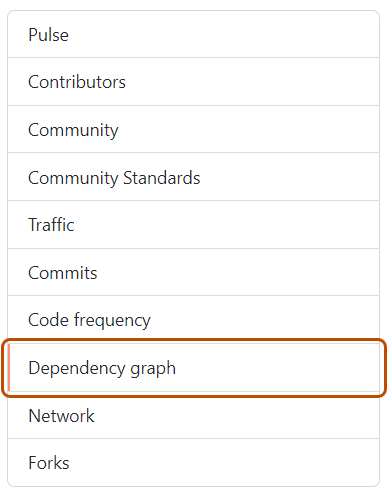
En la barra lateral izquierda, haga clic en Gráfico de dependencias.
-
En "Gráfico de dependencias", haga clic en Dependabot .
-
Opcionalmente, para ver los archivos supervisados para un administrador de paquetes, haz clic en , a la derecha del administrador de paquetes.



Si no encuentras alguna dependencia, revisa los archivos de bitácora para ver los errores. En caso de que no encuentres algún administrador de paquete, revisa el archivo de configuración.
Para obtener información sobre registros de trabajo de Dependabot, consulta Visualización de registros de trabajos de Dependabot.