About advanced setup for code scanning
Advanced setup for code scanning is helpful when you need to customize your code scanning. By creating and editing a workflow file, you can define how to build compiled languages, choose which queries to run, select the languages to scan, use a matrix build, and more. You also have access to all the options for controlling workflows, for example: changing the scan schedule, defining workflow triggers, specifying specialist runners to use. For more information about GitHub Actions workflows, see 工作流.
You can also configure code scanning with third-party tools. For more information, see Configuring code scanning using third-party actions.
如果使用多个配置运行代码扫描,则警报有时会有多个分析源。 如果警报有多个分析源,你可在警报页上查看每个分析源的警报状态。 有关详细信息,请参阅“关于代码扫描警报”。
If you do not need a highly customizable code scanning configuration, consider using default setup for code scanning. For more information on eligibility for default setup, see Configuring default setup for code scanning.
Prerequisites
Your repository is eligible for advanced setup if it meets these requirements.
- It uses CodeQL-supported languages or you plan to generate code scanning results with a third-party tool.
- 已启用 GitHub Actions。
- 它公开可见,或已启用 GitHub Code Security。
Configuring advanced setup for code scanning with CodeQL
You can customize your CodeQL analysis by creating and editing a workflow file. Selecting advanced setup generates a basic workflow file for you to customize using standard workflow syntax and specifying options for the CodeQL action. See 工作流 and Customizing your advanced setup for code scanning.
使用操作运行 code scanning 将消耗分钟数。 有关详细信息,请参阅“GitHub Actions 计费”。
-
在 GitHub 上,导航到存储库的主页面。
-
在仓库名称下,单击 “Settings”****。 如果看不到“设置”选项卡,请选择“”下拉菜单,然后单击“设置”。

-
在边栏的“Security”部分中,单击“ Advanced Security”****。
-
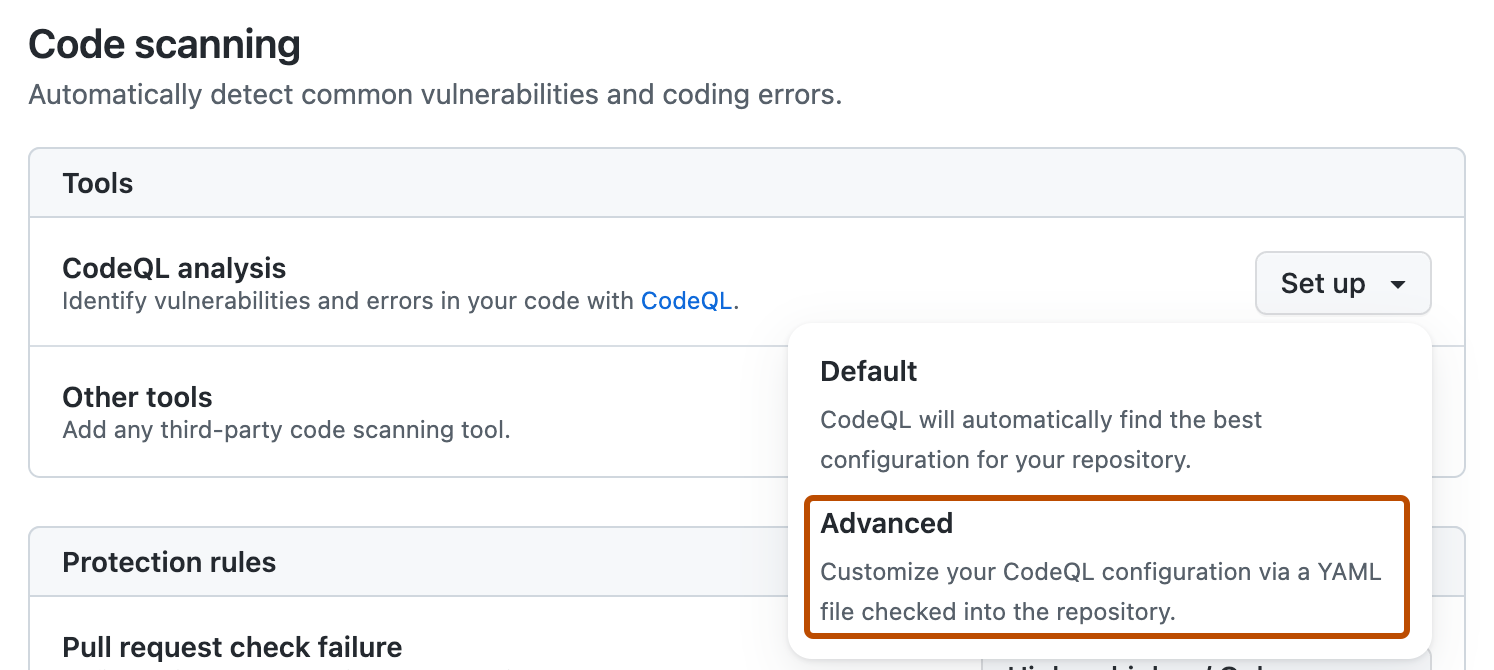
Scroll down to "Code Security", in the "CodeQL analysis" row select Set up , then click Advanced.
注意
If you are switching from default setup to advanced setup, in the "CodeQL analysis" row, select , then click Switch to advanced. In the pop-up window that appears, click Disable CodeQL.
-
To customize how code scanning scans your code, edit the workflow.
Generally, you can commit the CodeQL 分析工作流程 without making any changes to it. However, many of the third-party workflows require additional configuration, so read the comments in the workflow before committing.
For more information, see Customizing your advanced setup for code scanning and CodeQL code scanning for compiled languages.
-
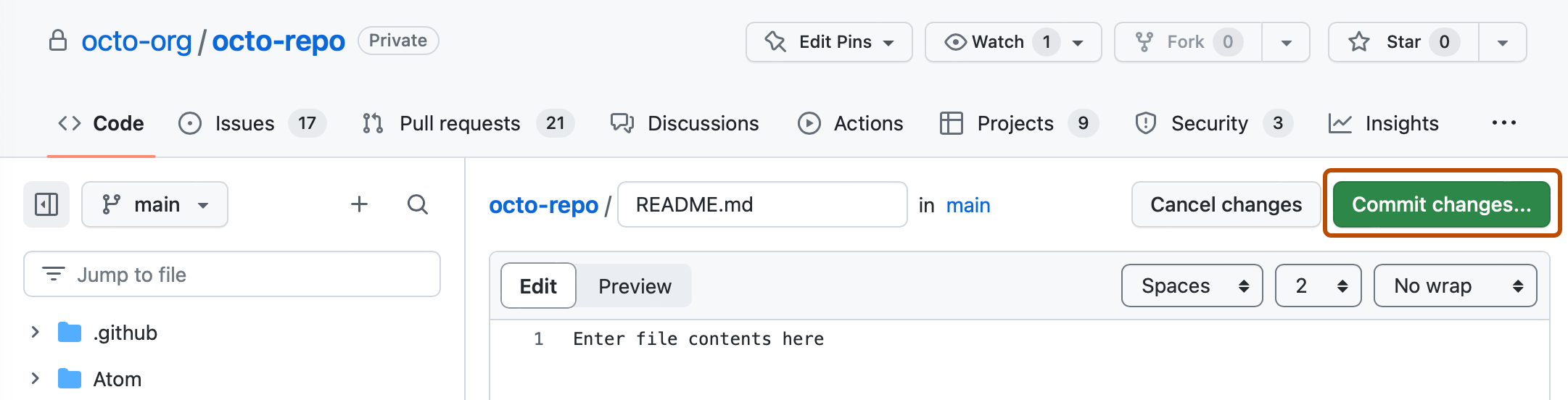
Click Commit changes... to display the commit changes form.
-
In the commit message field, type a commit message.
-
Choose whether you'd like to commit directly to the default branch, or create a new branch and start a pull request.
-
Click Commit new file to commit the workflow file to the default branch or click Propose new file to commit the file to a new branch.
-
If you created a new branch, click Create pull request and open a pull request to merge your change into the default branch.


In the suggested CodeQL 分析工作流程, code scanning is configured to analyze your code each time you either push a change to the default branch or any protected branches, or raise a pull request against the default branch. As a result, code scanning will now commence.
The on:pull_request and on:push triggers for code scanning are each useful for different purposes. See Customizing your advanced setup for code scanning and 触发工作流程.
For information on bulk enablement, see 使用 CodeQL 大规模为代码扫描配置高级设置.
Configuring code scanning using third-party actions
GitHub includes workflow templates for third-party actions, as well as the CodeQL action. Using a workflow template is much easier than writing a workflow unaided.
使用操作运行 code scanning 将消耗分钟数。 有关详细信息,请参阅“GitHub Actions 计费”。
-
在 GitHub 上,导航到存储库的主页面。
-
在仓库名称下,单击“ Actions”****。

-
If the repository has already at least one workflow configured and running, click New workflow to display workflow templates. If there are currently no workflows configured for the repository, go to the next step.

-
In the "Choose a workflow" or "Get started with GitHub Actions" view, scroll down to the "Security" category and click Configure under the workflow you want to configure. You may need to click View all to find the security workflow you want to configure.

-
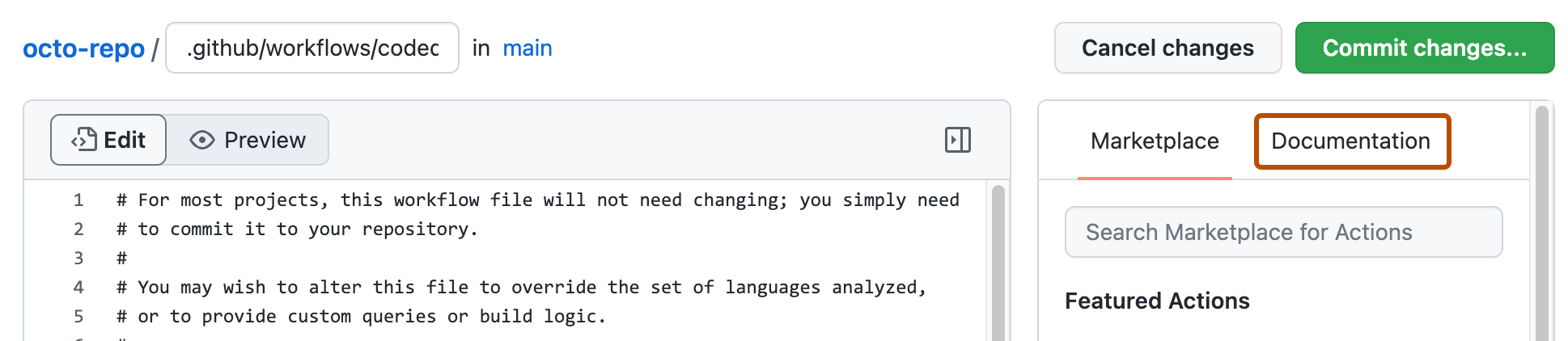
Follow any instructions in the workflow to customize it to your needs. For more general assistance about workflows, click Documentation on the right pane of the workflow page.
-
When you have finished defining your configuration, add the new workflow to your default branch.
For more information, see 使用工作流模板 and Customizing your advanced setup for code scanning.


Next steps
After your workflow runs successfully at least once, you are ready to start examining and resolving code scanning alerts. For more information on code scanning alerts, see 关于代码扫描警报 and 评估存储库的代码扫描警报.
Learn how code scanning runs behave as checks on pull requests, see 鉴定拉取请求中的代码扫描警报.
You can find detailed information about your code scanning configuration, including timestamps for each scan and the percentage of files scanned, on the tool status page. For more information, see About the tool status page for code scanning.