Confirm whether GitHub Code Security is enabled
-
在 GitHub 上,导航到存储库的主页面。
-
在仓库名称下,单击 “Settings”****。 如果看不到“设置”选项卡,请选择“”下拉菜单,然后单击“设置”。

-
在边栏的“Security”部分中,单击“ Advanced Security”****。
-
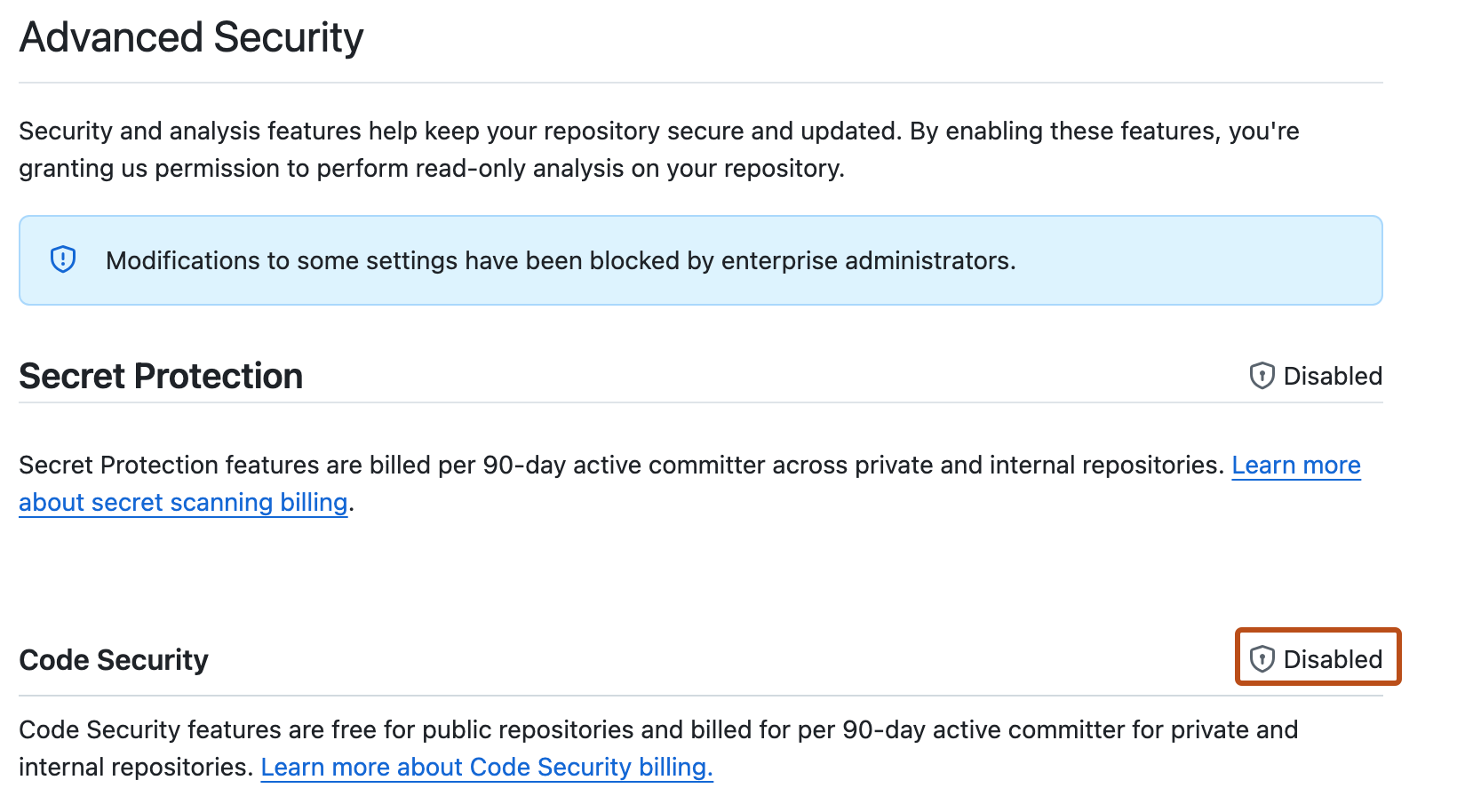
On the settings page, scroll down to "Code Security."
-
If there is an associated and active Enable button, Code Security is available for this repository but not yet enabled.
-
If use of GitHub Code Security is blocked by a policy, " Disabled" is shown in place of the Enable button.


Requesting access to GitHub Code Security
- In the "Code Security" settings, click the enterprise or organization name to display a list of users with access to edit the policy that controls access to GitHub Code Security. For more information, see 强制实施企业的代码安全性和分析策略.
- Follow your company's policy for requesting access to additional features.
Enabling GitHub Code Security
- Open the "Code security" settings page.
- Next to the "Code Security" feature, click Enable.
- Rerun code scanning.