Configuring notifications for 비밀 검사 경고
In addition to displaying an alert in the Security tab of the repository, GitHub can also send email notifications for alerts. These notifications are different for incremental scans and historical scans.
Incremental scans
새 비밀이 검색되면 GitHub는 알림 기본 설정에 따라 리포지토리에 대한 보안 경고에 액세스할 수 있는 모든 사용자에게 알릴 수 있습니다. 사용자는 다음과 같습니다.
- 리포지토리 관리자
- 보안 관리자
- 읽기/쓰기 권한이 있는 사용자 지정 역할의 사용자
- 비밀이 유출된 리포지토리의 관리자인 경우 조직 소유자 및 엔터프라이즈 소유자
참고 항목
실수로 비밀을 커밋한 커밋 작성자는 알림 기본 설정에 관계없이 알림을 받게 됩니다.
다음의 경우 이메일 알림을 받습니다.
- 리포지토리를 보고 있습니다.
- 리포지토리의 "모든 작업" 또는 사용자 지정 "보안 경고"에 대한 경고를 사용하도록 설정했습니다.
- 알림 설정에 있는 "구독"의 "시청 중"에서 이메일로 알림을 받도록 선택했습니다.
또한 누군가가 code scanning 또는 secret scanning 경고를 귀하에게 할당하면 알림을 받게 됩니다. 경고 할당을 참조하세요.
-
GitHub에서 리포지토리의 기본 페이지로 이동합니다.
-
To start watching the repository, select Watch.

-
In the dropdown menu, click All Activity. Alternatively, to only subscribe to security alerts, click Custom, then click Security alerts.
-
Navigate to the notification settings for your personal account. These are available at https://github.com/settings/notifications.
-
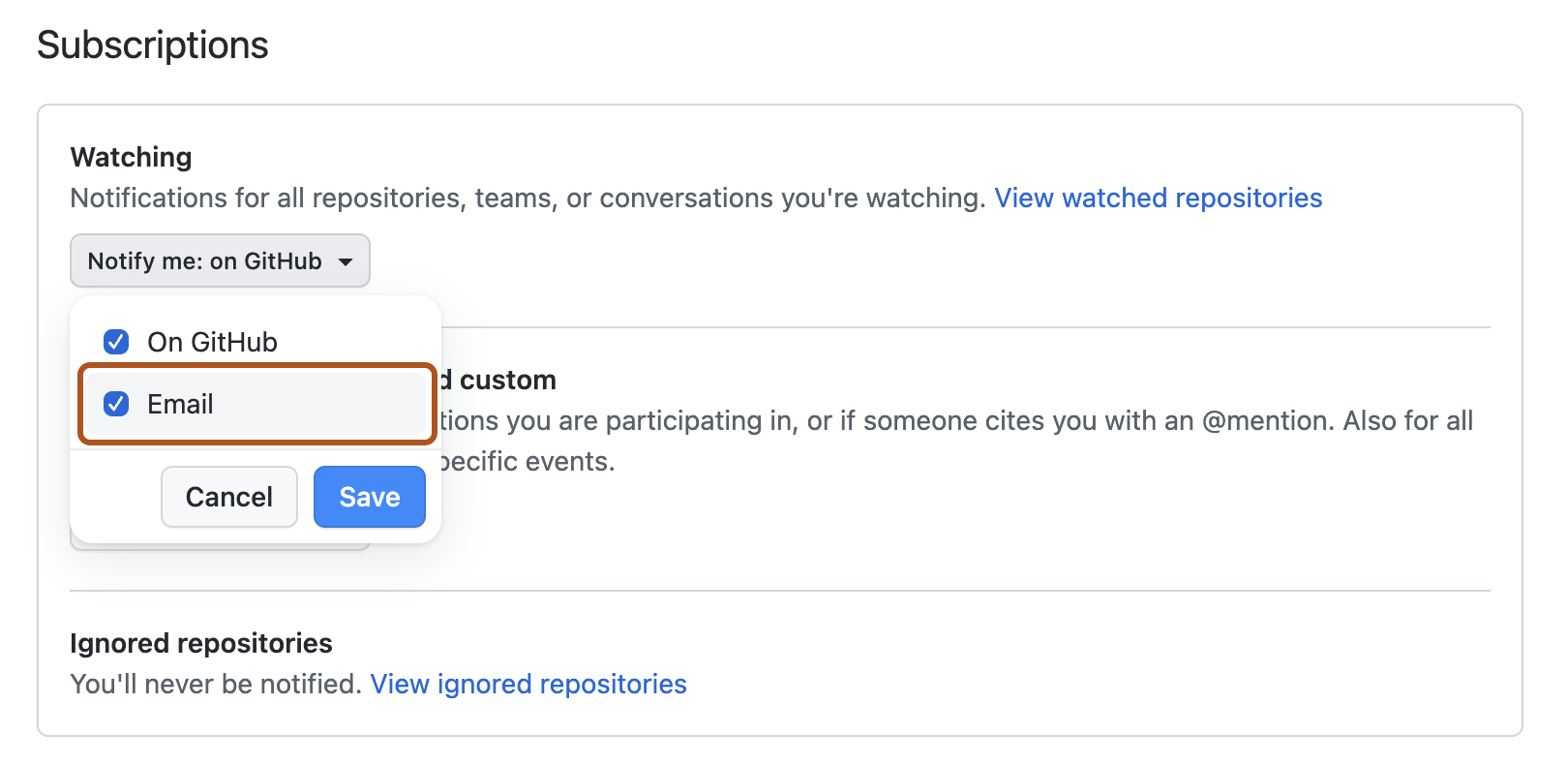
On your notification settings page, under "Subscriptions", then under "Watching", select the Notify me dropdown.
-
Select "Email" as a notification option, then click Save.


알림 기본 설정에 대한 자세한 내용은 리포지토리에 대한 보안 및 분석 설정 관리 및 개별 리포지토리에 대한 보기 설정 구성을 참조하세요.
Historical scans
For historical scans, GitHub notifies the following users:
- Organization owners, enterprise owners, and security managers—whenever a historical scan is complete, even if no secrets are found.
- Repository administrators, security managers, and users with custom roles with read/write access—whenever a historical scan detects a secret, and according to their notification preferences.
We do not notify commit authors.
알림 기본 설정에 대한 자세한 내용은 리포지토리에 대한 보안 및 분석 설정 관리 및 개별 리포지토리에 대한 보기 설정 구성을 참조하세요.
Auditing responses to secret scanning alerts
GitHub 도구를 사용하여 secret scanning 경고에 대한 응답으로 수행된 작업을 감사할 수 있습니다. 자세한 내용은 보안 경고 감사을(를) 참조하세요.